

Jennifer L.
Founder & Designer at Lunis
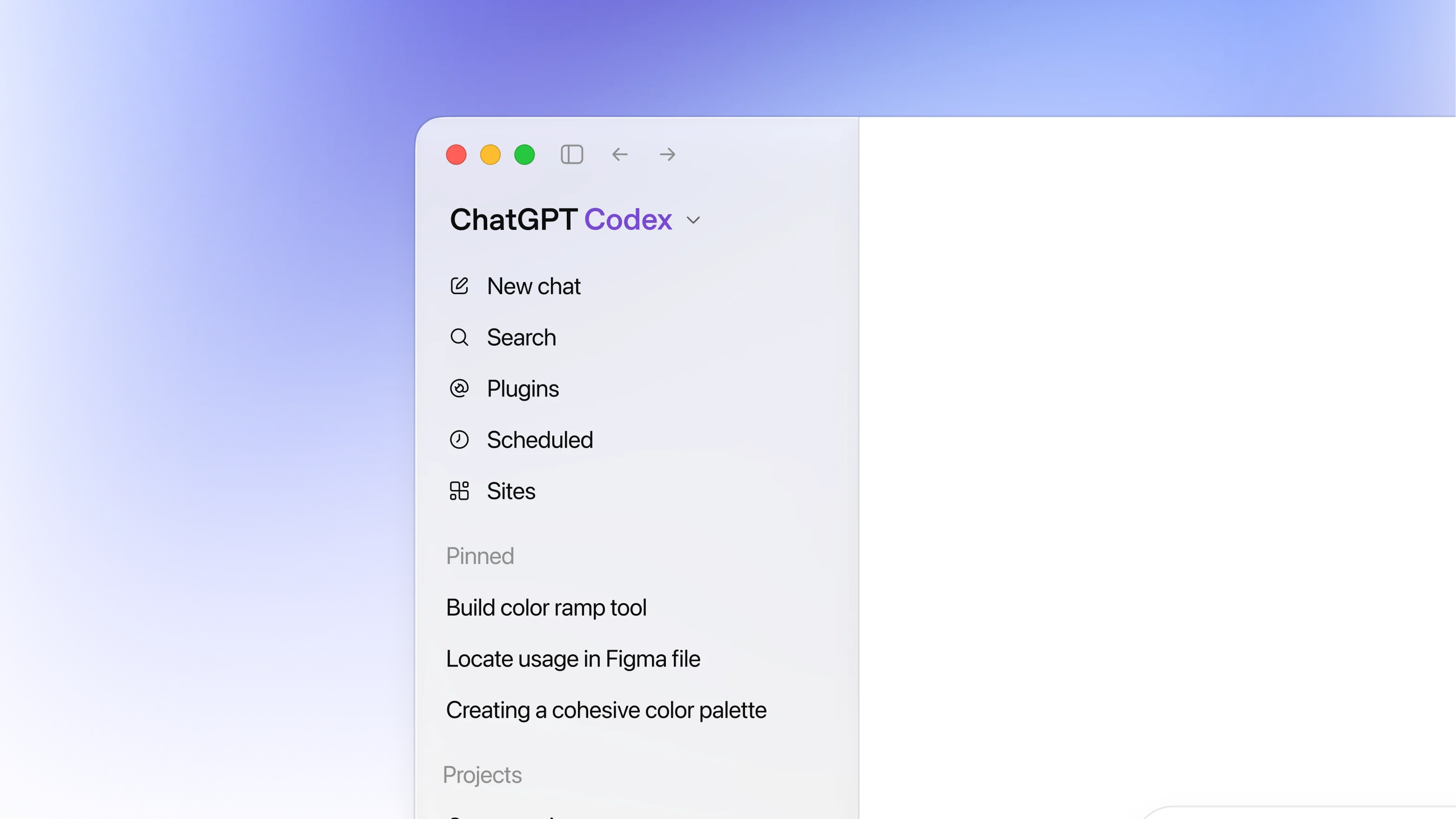
The promise vs. reality
The pitch is compelling: describe your website in a few sentences, and tools like Claude Code, Claude Design, or Codex will generate a full site in seconds. For a first draft, that's genuinely impressive.
The problem is that a first draft is never the finished product. And the gap between "generated" and "ready to ship" is where the real cost lives.
Where the tokens actually go
Both Claude Code and Codex now use token-based billing. Every prompt you send burns through your allowance, and small tweaks add up faster than you'd expect.
Claude Pro starts at $20/month with a usage cap that resets on a rolling 5-hour window. That sounds generous until you're deep in a build session. Anthropic's own data puts the average at $13 per developer per active day, with monthly costs landing around $150 to $250 for teams using it as a primary tool. Heavy users regularly hit their cap within an hour and end up upgrading to Max at $100 to $200/month.
Codex tells a similar story. The Plus plan is $20/month, but OpenAI's own rate card estimates real usage at $100 to $200 per developer per month. One Plus user documented on the OpenAI forum that the "5 hours" usage window was exhausted in about one hour of real work on a serious repository. A typical Codex task burns 5 to 45 credits depending on complexity, and that range makes costs nearly impossible to predict.
The pattern is the same on both platforms: the subscription gets you in the door, but the actual cost of building and iterating a full site is 3 to 10x the sticker price.
The hidden cost: your time
Credits are only half the equation. The other half is the hours you spend managing the AI:
Writing and refining prompts. A vague prompt wastes credits. A precise prompt takes time to write. Either way, you pay.
Reviewing output. Every generation needs to be checked. Did it break the mobile layout? Did it change the font you already set? Did it rearrange a section you didn't ask it to touch?
Debugging loops. Fix one thing, break another. This is the most common complaint across every AI builder. Each round costs both credits and time.
Design decisions. The AI doesn't know your brand, your audience, or your competitive positioning. You still need to make every visual decision yourself, except now you're communicating through text prompts instead of directly editing the design.
A realistic timeline for building a multi-page SaaS site from scratch with AI: 2 to 4 days of active work, spread across prompt sessions, reviews, and revisions. That's not "minutes." That's a part-time job.
The brand cost
There's a third cost that doesn't show up on any invoice: your site ends up looking like everyone else's. AI tools are trained on the same datasets and default to the same patterns. The purple gradient, the three-column features, the safe sans-serif font. When your competitors use the same tools, you all end up with the same site.
Looking generic is a brand cost. It signals low investment and makes your product forgettable at the exact moment you need to build trust.
Why starting from a template is a smarter path
To be clear, a template isn't a finished website. You still need to customize it: swap in your brand colors, rewrite the copy, add your own images, and adjust the layout to fit your content. That work is real.
The difference is what you're spending your time and credits on.
When you build from scratch with AI, the majority of your effort goes toward getting the fundamentals right: section structure, responsive layouts, navigation, conversion flow, page hierarchy. These are hard problems that AI solves generically. You end up burning credits and hours trying to prompt your way to a structure that a professional designer already solved.
A template front-loads those decisions for you:
Section order is already conversion-tested. Hero, features, social proof, pricing, CTA. A good template puts them in the right sequence because a designer studied what converts, not because an algorithm predicted the most common pattern.
Responsive layouts are already built. No prompting the AI to fix tablet breakpoints or mobile spacing. They work out of the box.
Design system is consistent. Typography scale, color usage, spacing rhythm, component styles. These stay coherent across every page because they were designed as a system, not generated section by section.
CMS structure is ready. Blog, case studies, team pages. The collections and fields are already wired to the design.
So your customization effort goes entirely toward the stuff that actually differentiates your site: your brand, your copy, your imagery, your story. That's a much better use of your time than rebuilding structure from scratch.
Templates + AI: the best of both worlds
This isn't an anti-AI argument. It's a workflow argument.
The smartest approach in 2026: start with a template that already has strong, intentional design. Then use Framer's AI Agent for the parts where AI genuinely saves time:
Swap brand colors and typography across the entire site in one prompt
Rewrite placeholder copy to match your product and voice
Update images in batch by dropping your assets into the chat
Set up CMS collections and import content from CSVs
Generate responsive breakpoints if needed
You don't need to learn Framer. Just bring your branding assets, point the AI Agent at the template, and let it customize for you. That's where AI saves real time without costing you your identity.
Instead of burning through your Claude or Codex token allowance building structure that a $99 template already provides, you spend a fraction of that on customization that actually matters.
The math, side by side
Vibe coding from scratch:
Design structure: generated (generic)
Token usage: heavy (full generation + iterations)
Time to production: 2 to 4 days
Responsive layouts: generated (needs fixing)
Brand identity: AI defaults
Monthly cost: $20 to $200+ (tokens burn fast)
One-time cost: $0
Template + AI customization:
Design structure: pre-built by a designer
Token usage: light (customization only)
Time to production: 1 to 3 hours
Responsive layouts: already built and tested
Brand identity: your actual brand
Monthly cost: $10 to $30 (Framer plan)
One-time cost: free to $129 (template)
The bottom line
AI website builders are useful tools, but "free" or "$20/month" is misleading once you account for real token usage, time, and the brand cost of looking generic. A template gives you professional structure for a fraction of the cost, and AI is best used for customization, not generation.
Browse free and premium templates at Lunis Design and skip the expensive part.
Swap in your logo, colors, fonts, and content. No code needed.