

Jennifer L.
Founder & Designer at Lunis

1. Pick a template that fits your style
Before you touch anything, start by browsing templates. Find one that matches the type of site you're building, whether that's a SaaS landing page, a portfolio, or a personal site.
You can explore free and premium options on the Framer marketplace or browse the Lunis Design template collection.
Why start with a template instead of generating from scratch?
You might wonder: if AI can build a site, why bother with a template at all? A few reasons:
Tokens are expensive. Generating an entire site from nothing burns through your AI credits fast. Starting with a template means you're only spending tokens on customization, not building every section from the ground up.
Templates include the right sections. A well-built template already has the structure you need: hero, features, pricing, FAQ, footer. You're not guessing what to include.
Responsive design is already handled. Templates come with mobile and tablet layouts built in. That's less time and fewer tokens spent fixing breakpoints.
You get 25% off the Pro plan. When you remix a template, Framer offers a 25% discount on the Pro plan, which gives you enough AI credits to customize and launch your site. Check Framer's pricing for details.
2. Use the Framer AI Agent to customize
Once you've remixed your template, open the Framer AI Agent and start telling it what to change. No need to learn the editor yourself. Just describe what you want in plain language and the agent handles the rest.
Here are some things you can customize with the AI Agent:
Swap out placeholder text with your own copy
Change colors, fonts, and overall styling
Rearrange or remove sections you don't need
Add new elements like buttons, images, or icons
Adjust spacing and layout details
This is where starting with a template really pays off. Previously, you'd have to learn Framer's interface to make these changes manually. Now you just tell the AI what you want, and it works within the structure the template already provides.
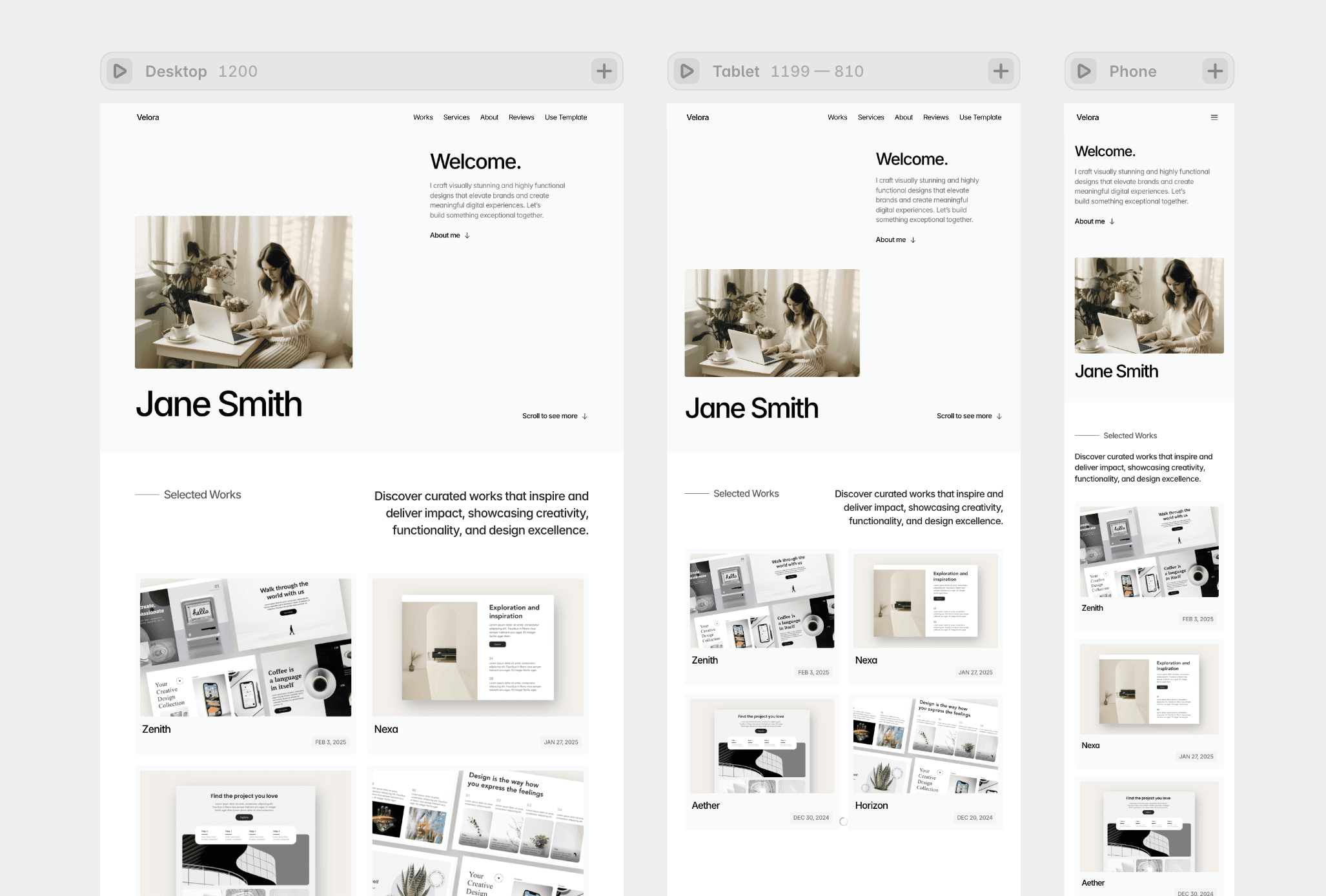
Real demo: Customize the Velora template with Framer AI Agent
See how we customized the font styles and hero section within 2 minutes.
3. Publish your site
Once you're happy with how everything looks:
Preview your site on desktop and mobile to double-check the layout
Connect your custom domain (or use a free
.framer.websitesubdomain)Hit publish
That's it. You've gone from template to live site without writing code or learning a new tool.
Why this approach works
The combination of template plus AI is faster than either one alone. Templates give you structure, responsive layouts, and a starting point that doesn't cost you anything in tokens. The AI Agent gives you the ability to customize without needing to learn the tool. Together, they cut the time and cost of launching a site down to hours instead of days.
Swap in your logo, colors, fonts, and content. No code needed.