

Jennifer L.
Founder & Designer at Lunis

Framer 3.0 launched on June 16, 2026 with three major additions: Agents, Branching, and External Agents. The core idea: AI should work inside the design tool, not as a separate chat window that generates code you then have to figure out how to use.
Framer Agents
A new Agent tab lives in the right panel next to the Style tab. Pick a model (Sonnet 4.6 or Opus 4.8), and start a conversation with an AI that can see and edit your canvas in real time.
What the Agent can do:
Design entire pages from a description or reference image
Add animations with specific parameters (duration, stagger, easing)
Create and manage CMS collections, wire content to pages, and batch-edit entries
Generate responsive breakpoints for tablet and mobile
Build reusable components from repeated elements
Run SEO audits: rewrite meta titles, descriptions, alt text, and semantic HTML
Create code components from static designs
Organize your type scale, set up light/dark themes, and clean up unlinked text styles
How it works in practice:
You and the Agent co-edit on the canvas at the same time. You can rearrange sections while the Agent builds a new page. Visual feedback shows which layers it’s touching, and a Follow button jumps your viewport to where it’s working.
Every prompt has its own rollback point. If the Agent makes a change you don’t like, Revert undoes the entire prompt in one action. It’s iterative, reversible, and you stay in control throughout.
Branching
Branching solves the trust problem: how do you let an Agent make changes without risking your live site?
A “main” label appears at the top of your project
Spin up a named, isolated branch instantly
Make changes (or let the Agent make them) on the branch
Merge to main with one click when you’re ready
Every Agent message creates its own rollback point within the branch
For teams, this means designers can experiment freely and stakeholders can review changes before anything goes live.
External Agents
External Agents let third-party AI tools connect to your Framer project through the Framer CLI. The primary example is Claude Code, but it also supports Cursor, Codex, and any tool that speaks MCP.
Why this matters:
They run on your own LLM tokens, not Framer’s AI Credits
They operate on branches automatically, so changes are always isolated
You can use new model capabilities the moment they ship
In the launch demo, Claude Code built five relational CMS collections from a messy folder of CSVs, markdown files, and images, then imported everything and wired detail pages. All on an auto-created branch for review.
Pricing changes
AI Credits replace the old AI pricing. Free plan gets 500 credits/day (~2 landing pages). Pro gets 3,000/month.
Editor seat price dropped from $40 to $20/month
Scale plan retired. Plans are now Basic and Pro.
The $100K Agents Hackathon
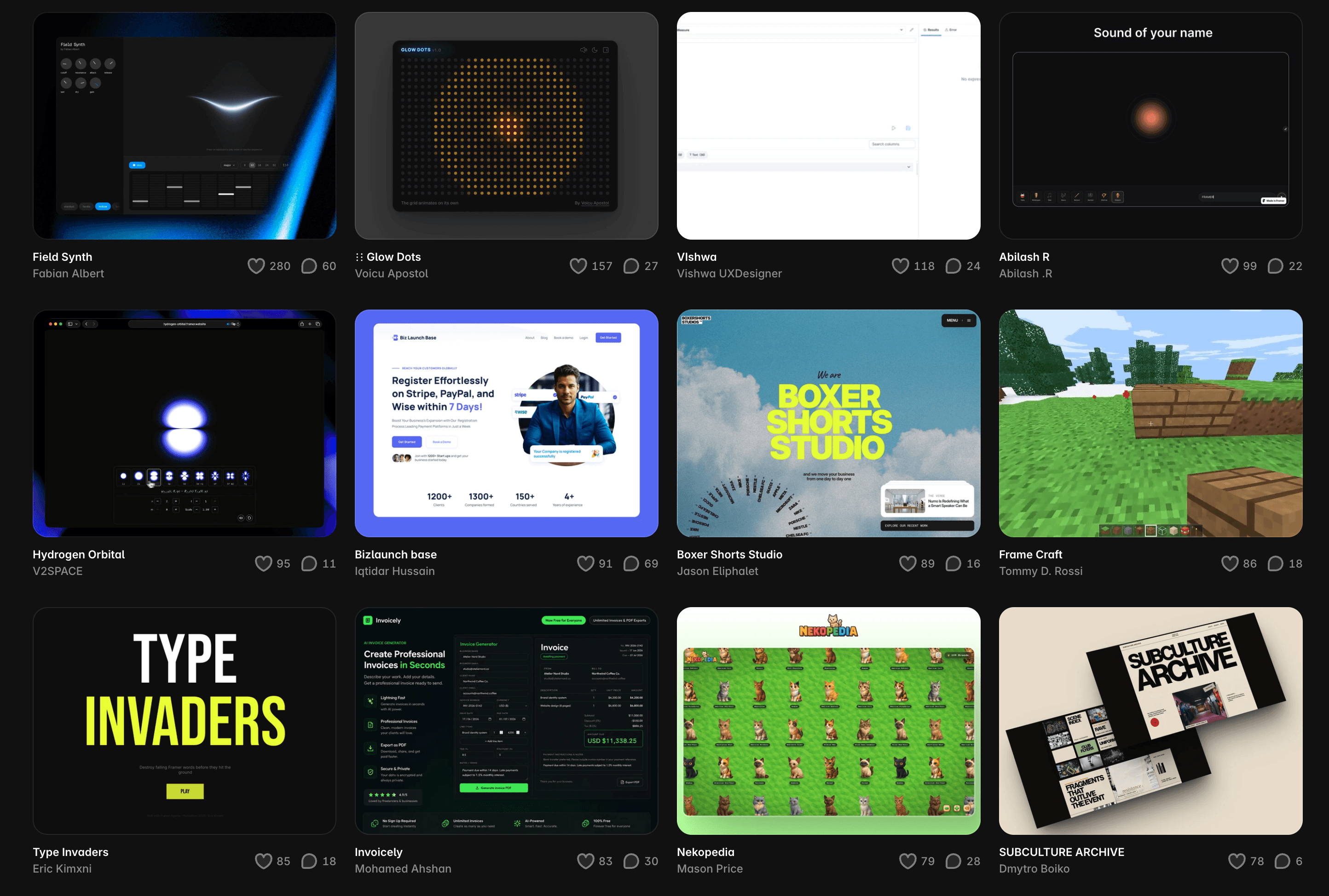
Framer kicked off a 24-hour hackathon right after the keynote. 10 winners, $10K each, no strict categories. Build anything with Agents and ship it. Submissions are live on the Framer Community contests page, ranging from interactive games to full multi-page sites built entirely with Agents.
How designers can leverage the AI Agent
The Agent isn’t here to replace your design process. It’s here to handle the parts that slow you down.
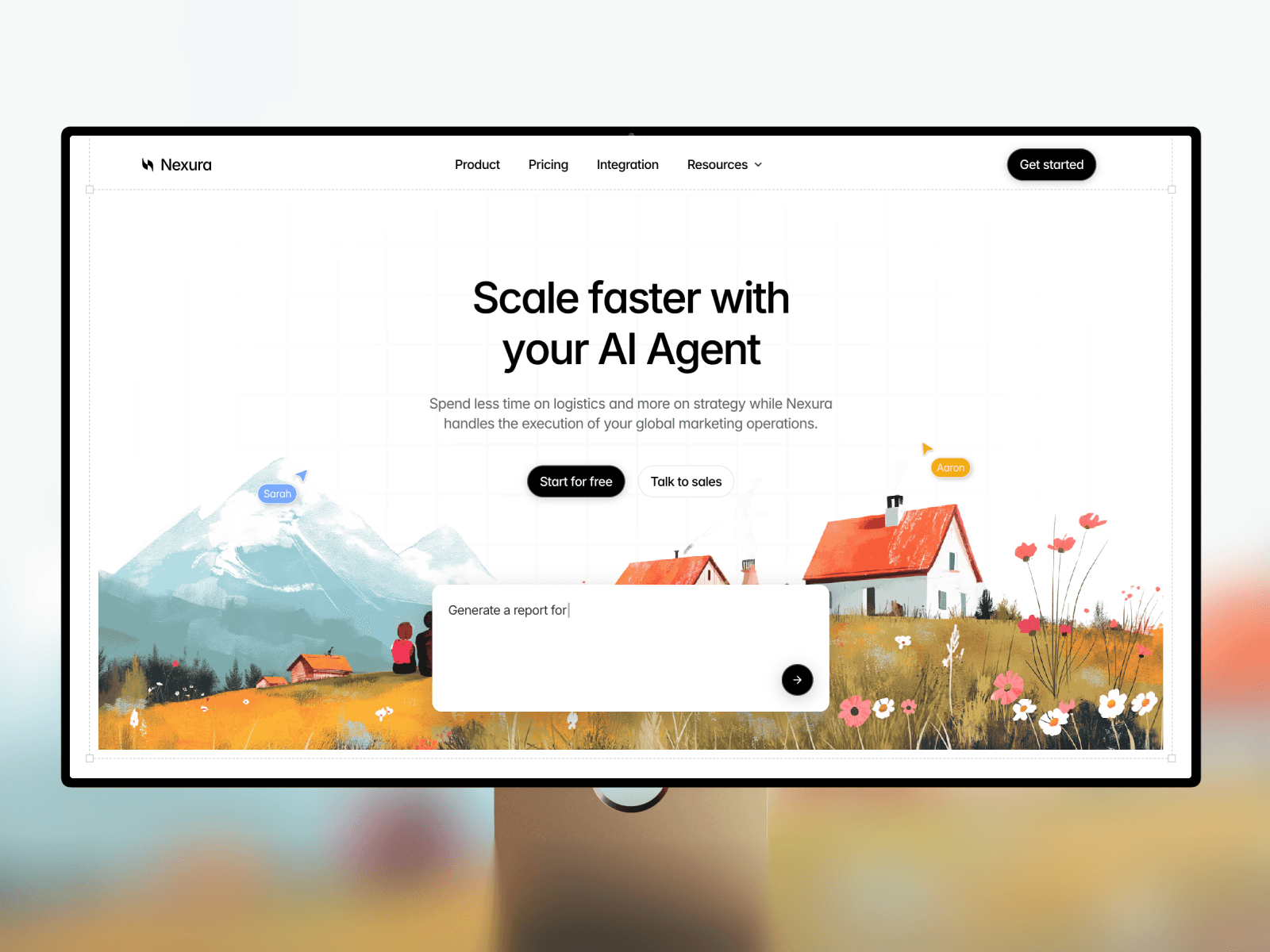
Start with a template, let the Agent customize it. This is the most practical workflow for most users. Pick a template from the Framer marketplace that fits your product’s category and structure, then use the Agent to adapt it to your brand: swap the color palette, update the typography, rewrite the copy to match your tone, adjust the layout, and generate responsive breakpoints. You get the conversion-tested structure of a professionally designed template with the speed of AI customization. No more spending hours manually tweaking every section. The Agent handles the repetitive work while you focus on the creative direction.
Browse free and premium templates at Lunis Design to find a starting point.
Other practical use cases:
First drafts and exploration. Describe a layout and let the Agent generate variations in seconds. Pick the closest one and refine manually.
CMS setup and content migration. Building collections, wiring fields, importing data from CSVs. Minutes instead of hours.
SEO and copy cleanup. Audit your entire site for meta tags, alt text, and copy consistency in one pass.
The through-line: you direct, the Agent executes. Your taste, your decisions, your brand. The Agent removes the friction between having an idea and seeing it on the canvas.
What this means for Framer users
Framer 3.0 doesn’t change what Framer is. It dramatically speeds up the parts that used to be tedious. For designers, it’s an acceleration tool. For founders and small teams, it lowers the bar for building a professional site. For agencies, Branching and External Agents open up workflows that weren’t possible before.
Start with the Framer Agents page to see example prompts, or jump into the Agents Hackathon to see what the community is building.
Swap in your logo, colors, fonts, and content. No code needed.